
If you no longer want to use your Facebook account to log into 8 Ball Champions, and you want all information regarding your Facebook account removed from our records, you can reach out to support and request data deletion.
For best results, contact us through the game itself:
-
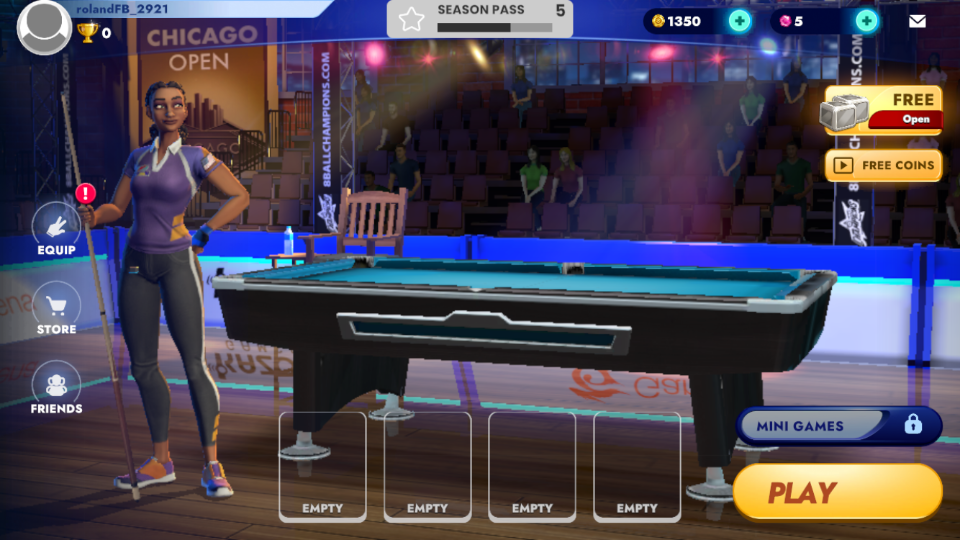
Open 8 Ball Champions on your iOS or Android device. Find the user profile button on the upper-lefthand corner of the screen and tap it.
-
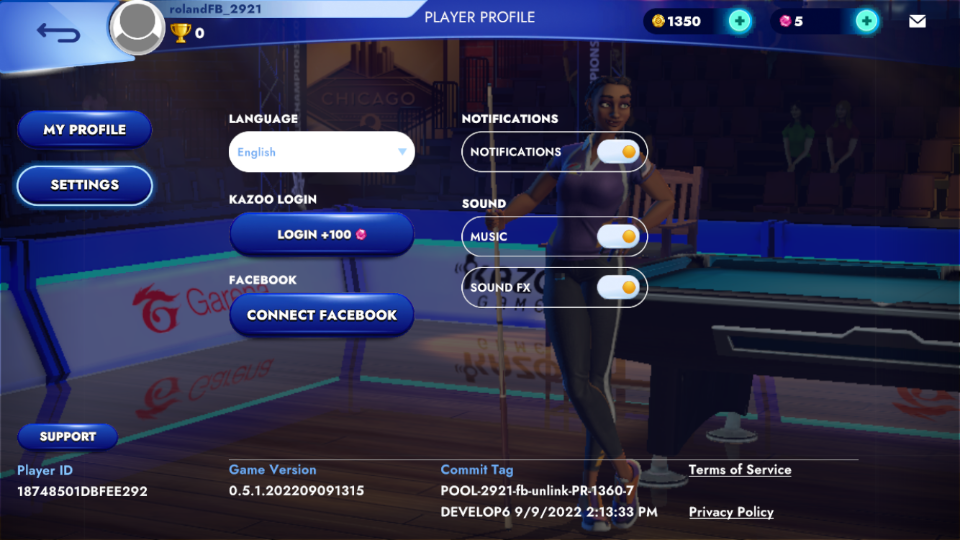
This will bring you to the Profile screen. From here, find the Support button and tap it.
-
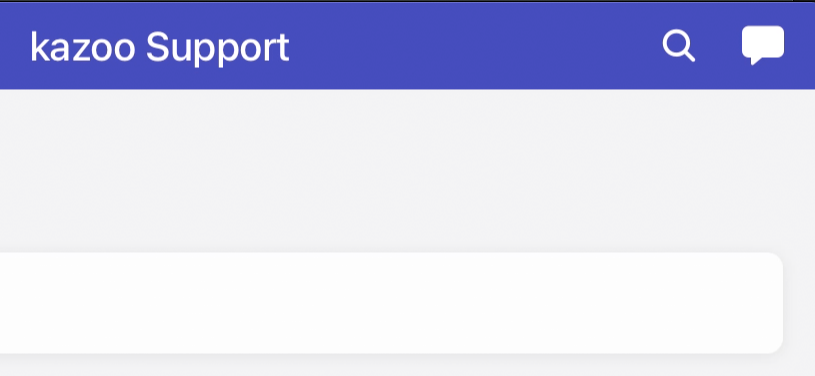
Then, click on the word bubble icon in the upper-right
-
This will open a dialogue with one of our customer service agents. Let them know you'd like your Facebook data deleted from 8 Ball Champions, and complete the prompts.
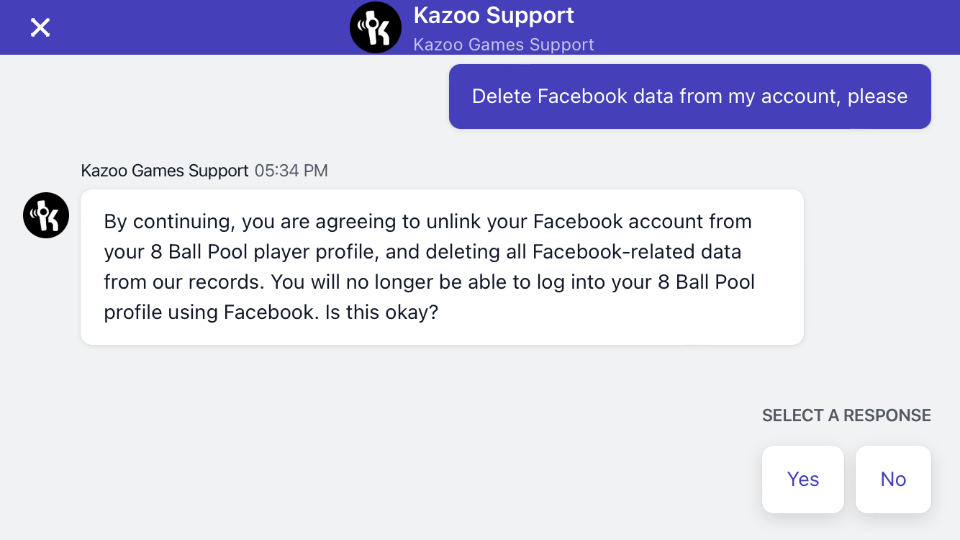
After completing the prompts, all data pulled from your Facebook account will be removed from our servers. To learn more about how Kazoo Games handles your personal information, please explore our Privacy Policy.